
+7 (499) 647-49-78
+7 (499) 647-49-78
Smarty has found a new version of the mobile application for smartphones and tablets for iOS and Android. Registration, tariff management and other OTT functions allow the application to be not just an addition to TV, but a self-sufficient service for watching channels, movies and TV series.
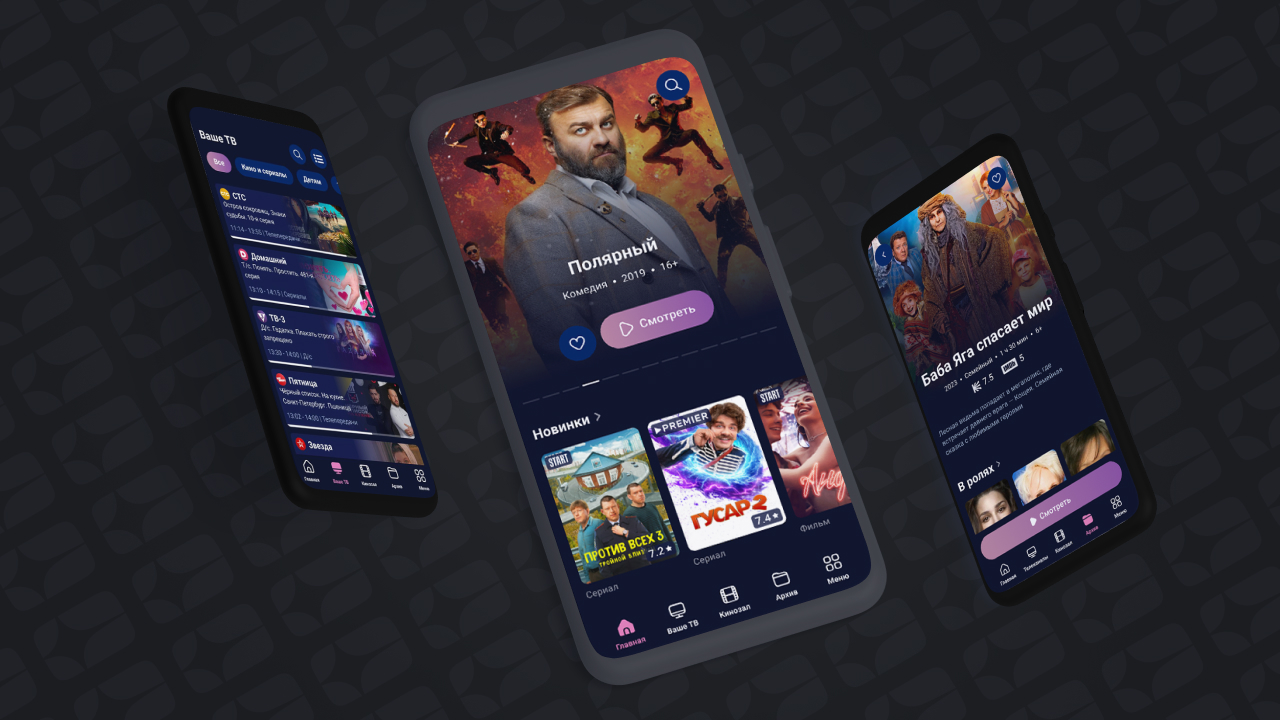
Slider and unlimited feeds of content below it — this is what now meets the user on the home page of the app. As with previous TV interfaces, the order and content of the tapes can be easily changed in the Smarty administration panel section «Dashboard».
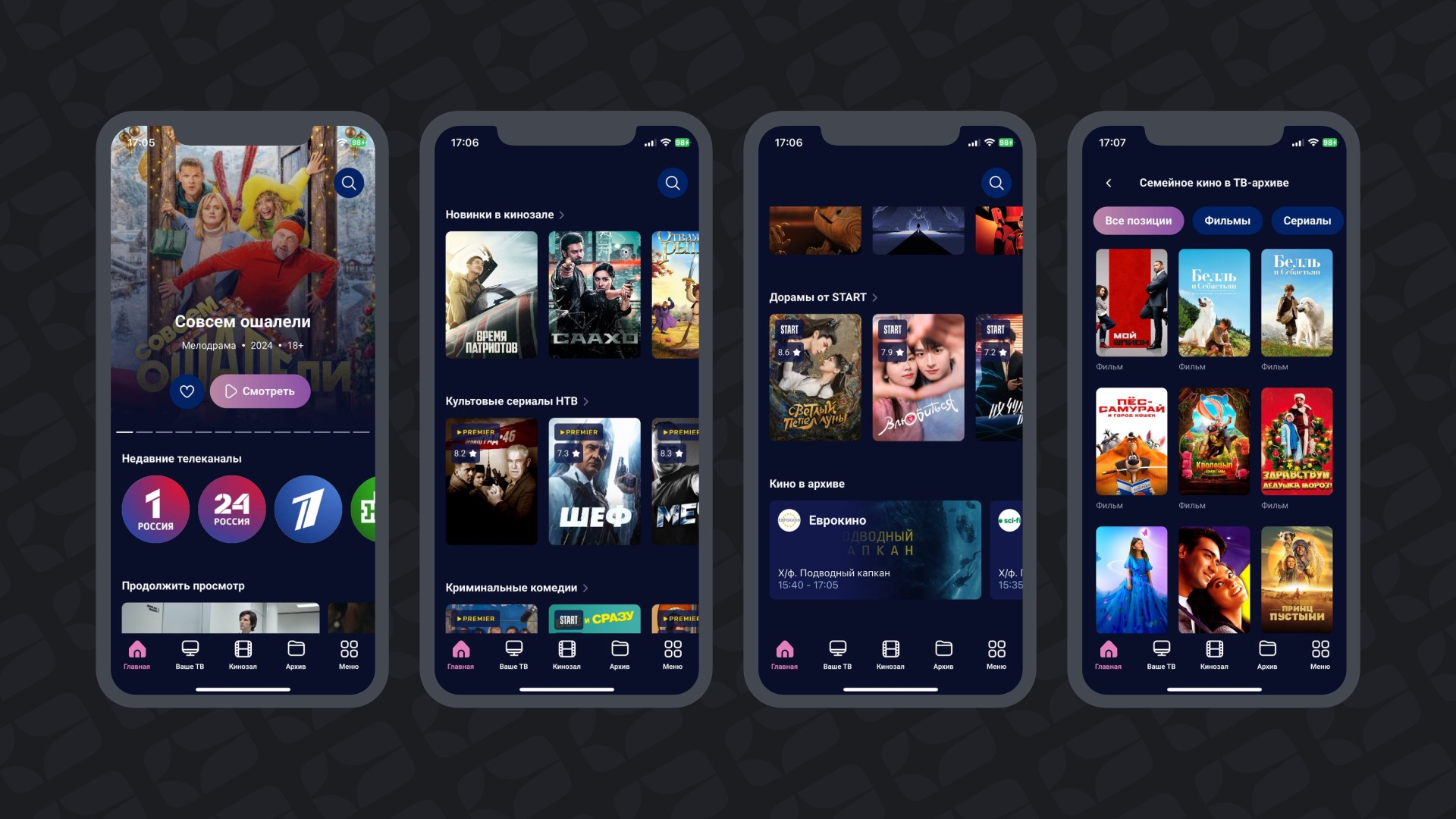
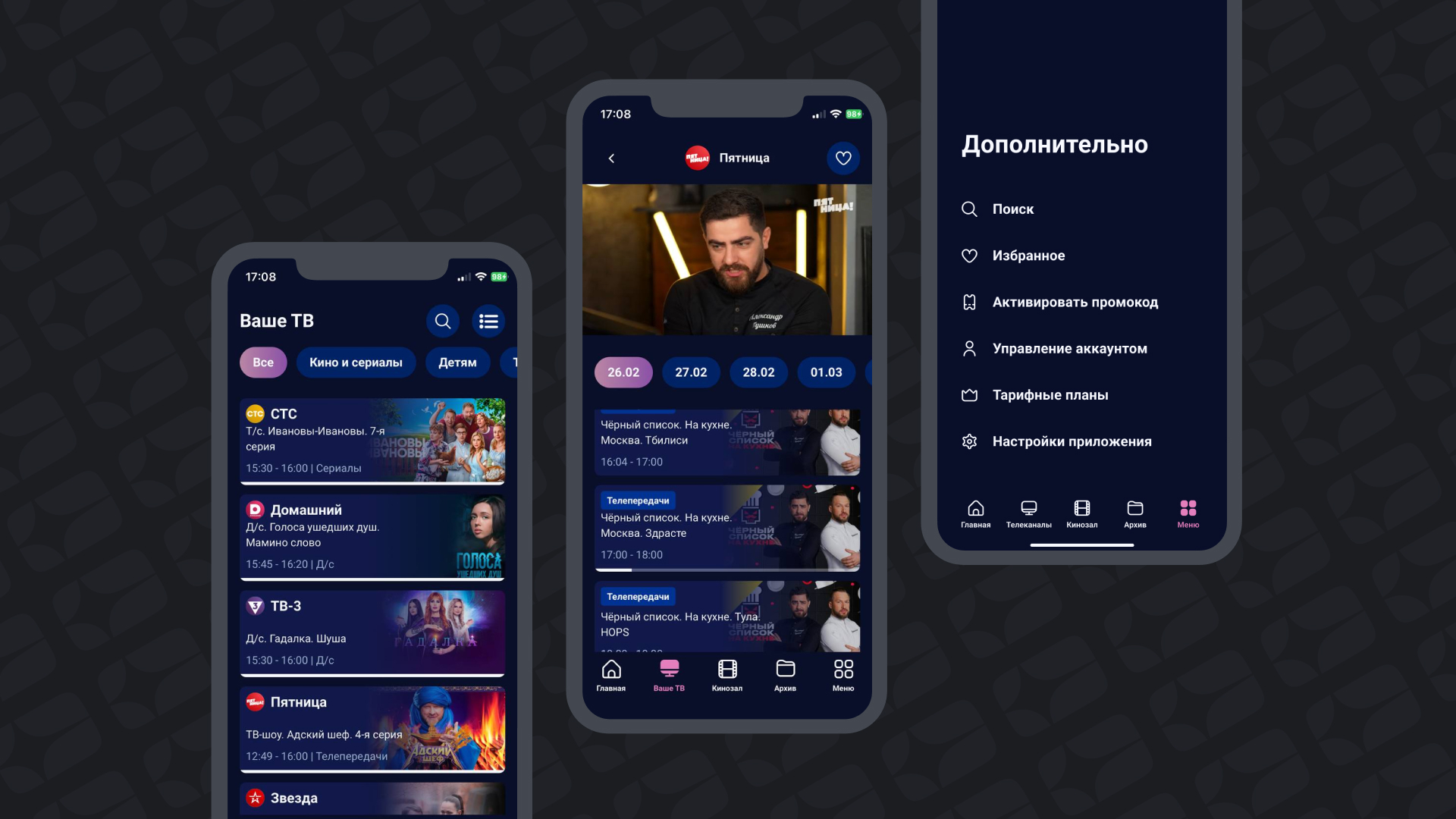
The main menu in the new version of the application is located at the bottom and is silently displayed in any section of the interface, except for the full-screen player. Thanks to this, the subscriber in one touch can get into the main sections: TV, Cinema, Archive and auxiliary menu with account management, search and settings.
Inside the TV section there is a familiar list of channels with the ability to fall into the program and change the display mode to the mosaic.
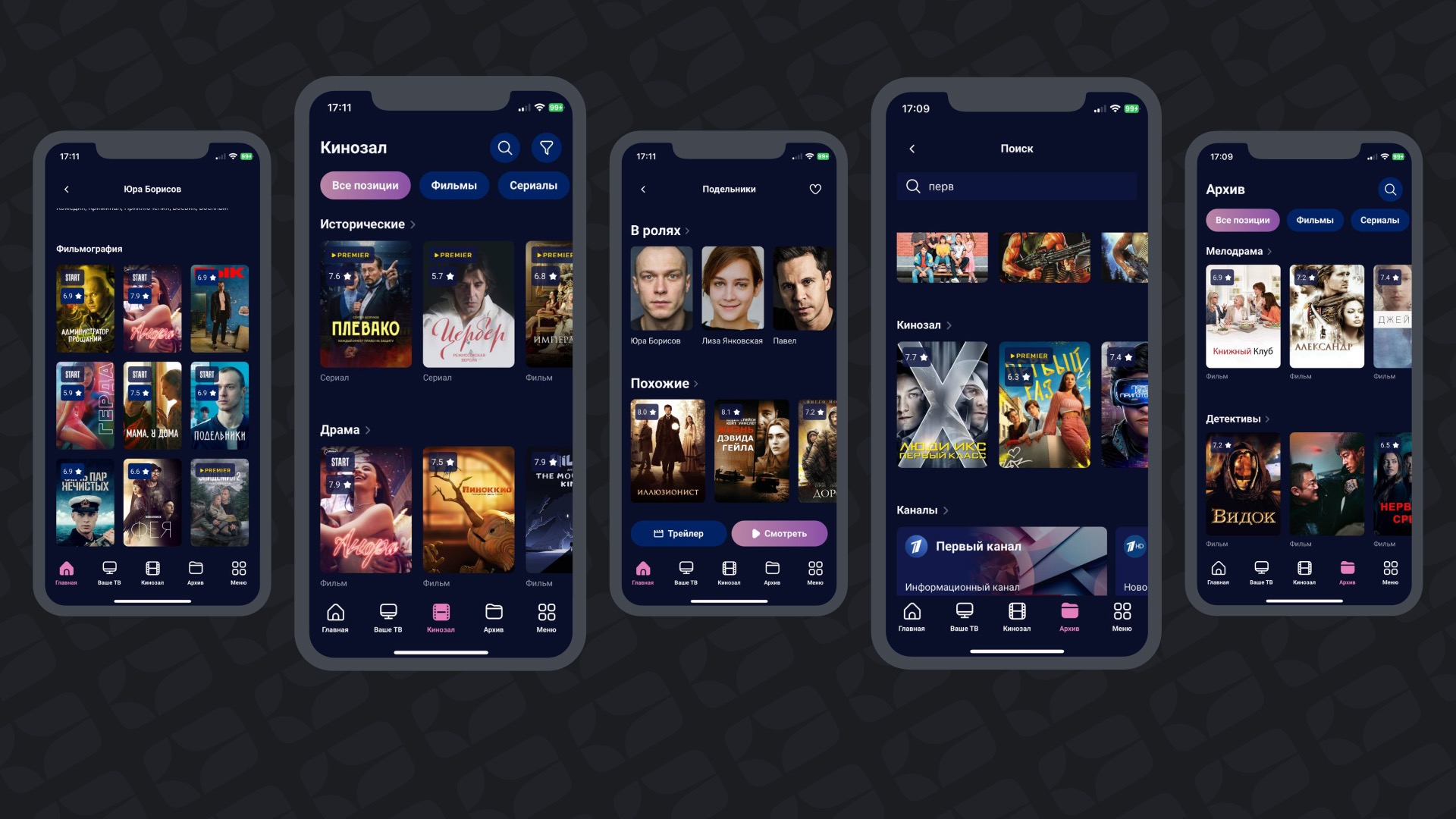
Sections «Kinosal» and «Archive» virtually erases the line between a regular VOD directory and archive using attractive and complete meta-information about movies and TV shows. For example, in the filmography of the actor and the list of similar films, content from both sections is displayed in a single tape, which creates the effect of an infinitely huge video catalog.
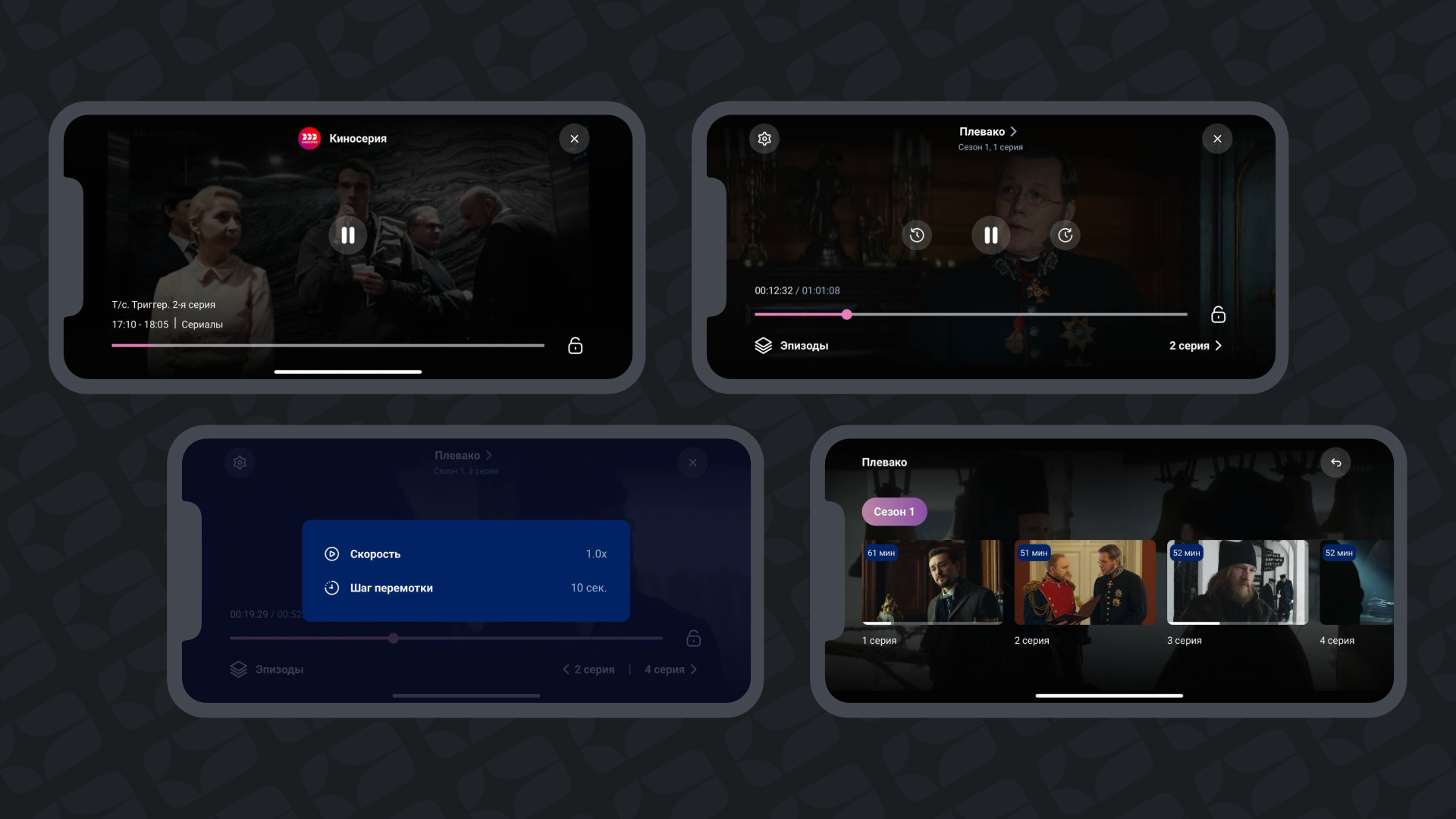
Special attention in the new version of the application was paid to the player — added the screen lock function to protect against accidental clicks during viewing, displaying the list of episodes and easy navigation between them, playback settings and rewinding.
As mentioned above, we can not ignore the presence of all the necessary billing-script inside the application — registration by phone number, authorization with confirmation of the number by SMS and login password, management of tariff plans and subscriber information, activation of promo codes, PIN code management, etc.
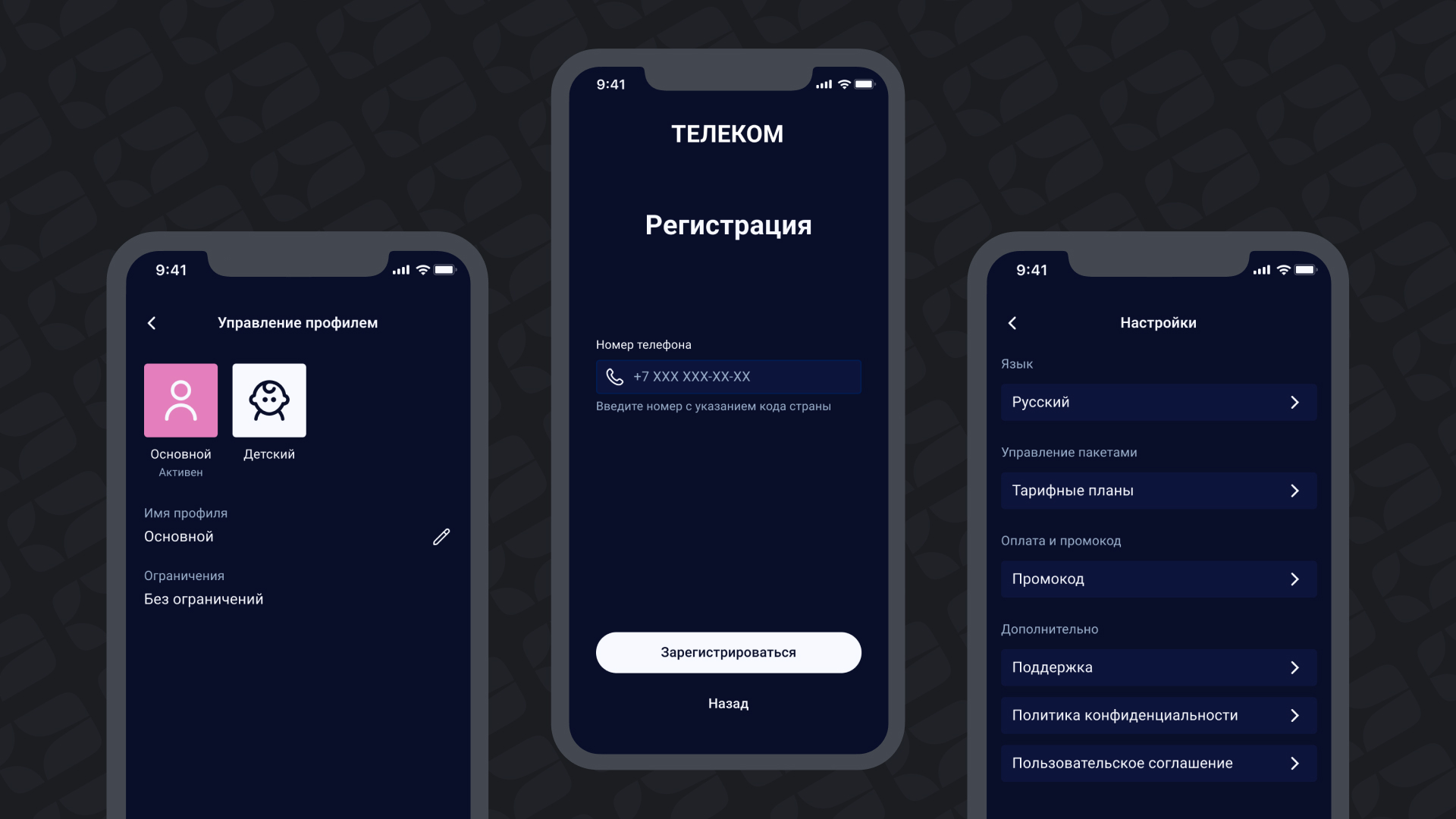
Branding and flexible configuration are also available for the new app, as are other Smarty platform interfaces.
You can test a new mobile application by contacting your project manager or leaving an application in the form below.
Send a request
