
Advertising in the Smarty platform at the moment is a pre-roll interactive for channels, which conceptually can be 2 types:
- internal advertising of the operator;
- advertising service provider (integration is required).
Advertising entities
Commercial a video file that will be played as a preroll in the operator’s service.
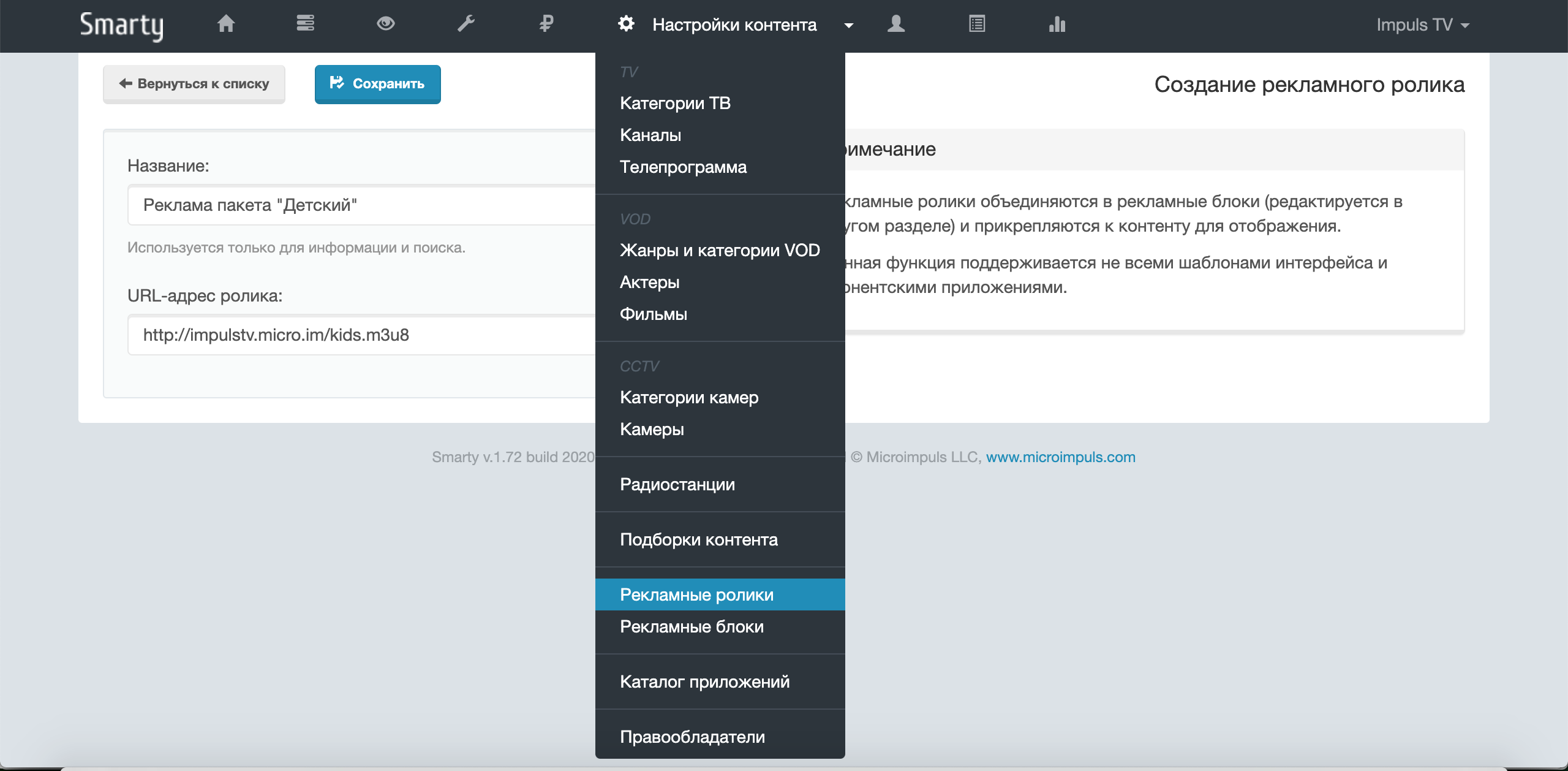
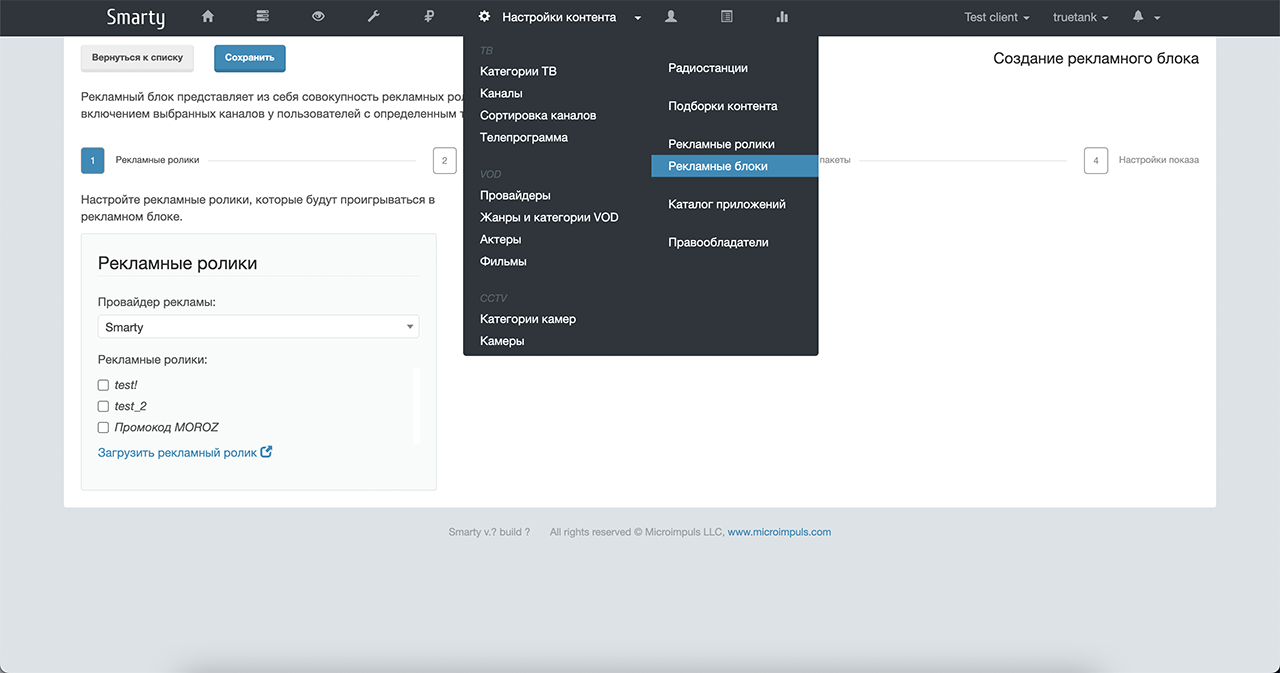
Advertising block - a set of configuration parameters for displaying commercials.
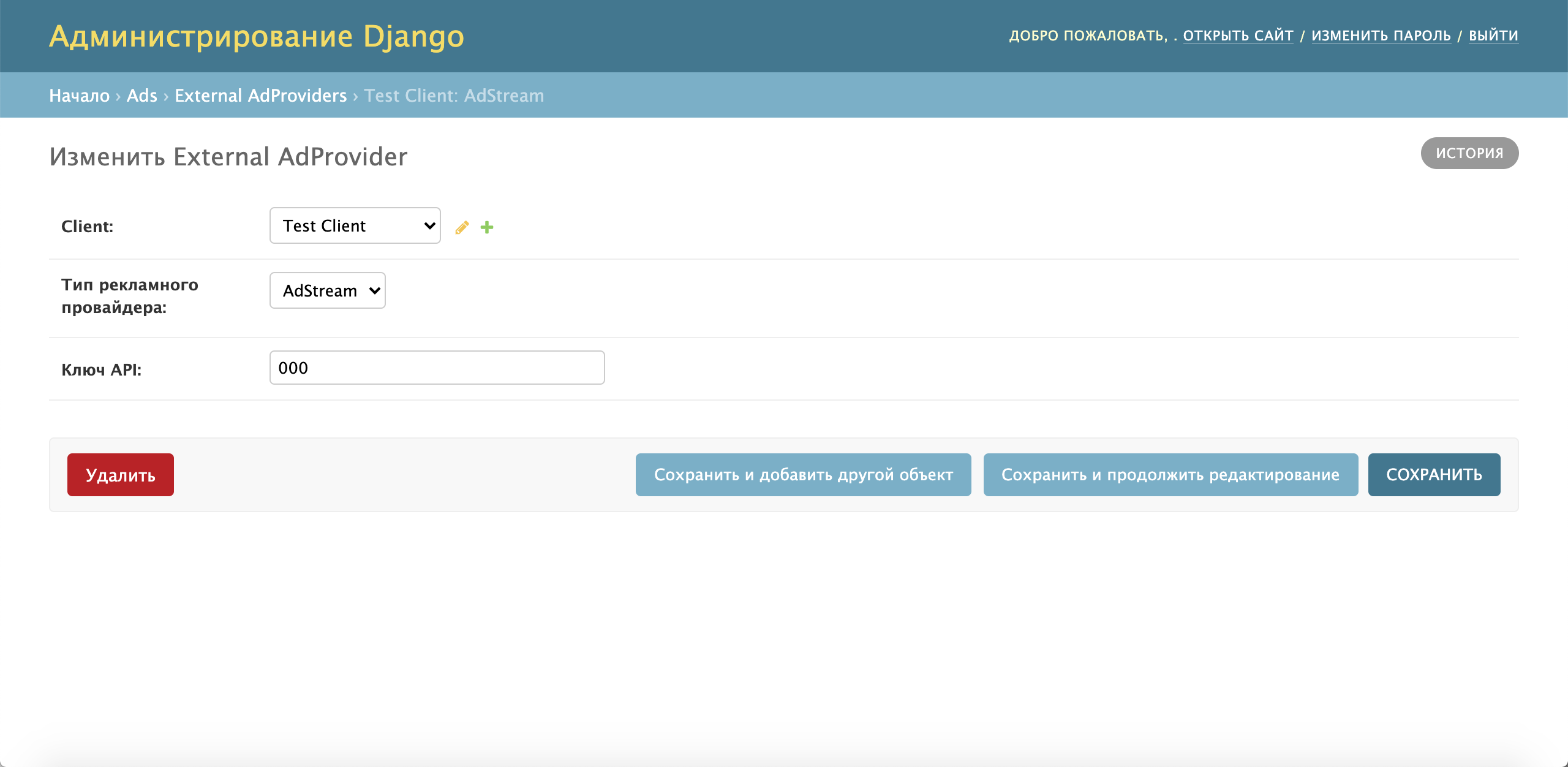
Advertising provider an external system for providing commercials, independently determining the queue and frequency of commercials for certain channels.
How to set up advertising
Advertising can be enabled using the option: TVMIDDLEWARE_ADS_ENABLED. You can also additionally configure the time interval of the frequency of the display of the advertising block with the option ADS_BLOCK_FREQUENCY_INTERVAL (Show settings tab, “Maximum block display frequency for one account”). The value is specified in seconds and by default has a value 3600 (1 hour).
The maximum number of returned advertising blocks depends on the value of the option ADS_BLOCK_MAX_AMOUNT by default 5). When using a restriction, you need to take into account the priority of advertising blocks, since at the beginning of the list there will always be blocks with the highest priority for display.
Options are connected in the Smarty configuration file (default path) /etc/microimpuls/smarty/smarty.pyMore information about the options in the Smarty Configuration and Maintenance section – System settings. After that, you need to restart the Smarty team service uwsgi restart.
Warehouse of the history of watching commercials
Starting with the version Smarty 1.94 the number of views of ad units is stored in a redis cache (previously this information was stored in MongoDB). In connection with this change, it became possible to clear the history of viewing advertising videos with the help of a service team:
smarty_manage clean_old_adsyou can also use a team
smarty_manage flushallBut in this case, in order to avoid unintentional cleaning of this information, it is recommended to add the configuration of the protected cache - if there is no array in the configuration file CACHESthis item can be skipped, otherwise it is worth checking whether it contains configuration parameters for the parameter "protected.". Configured by analogy with "default" (the address must be different), for example:
CACHES = {
"default":
"Backend": "core.cache.backends.RedisCache,"
“LOCATION”: “redis:// 127.0.0.1:6379/1),
"OPTIONS":
'Pickle_VERSION': 2
}
}
"protected":
"Backend": "core.cache.backends.RedisCache,"
“LOCATION”: “redis:// 127.0.0.1:6379/2),
"OPTIONS":
'Pickle_VERSION': 2
}
}
}
The browsing records will be stored primarily in the protected part of the cache, in order to avoid accidental removal.
Internal advertising
1. Create commercials that need to be shown to subscribers.
2. Create an advertising block by setting the following parameters for it:
- the days of the week and the time of day in which you need to show the videos;
- the number of impressions of the advertising block per day per subscriber;
- note the channels for which prerolls are to be launched;
- note the tariff packages that must be connected to the subscriber in order to display the rollers;
- tariff packages, the presence of which the subscriber excludes the display of advertising for him.
- choose the type of advertising provider “Smarty” and mark the commercials included in this advertising block.
Advertising from an external AdStream provider
1. Create an advertising provider object using the External Ad Provider object in the administration service panel (key is requested from an external provider):
2. Create an ad unit on the same principle as for internal advertising, but choosing the created advertising provider.
3. Prescribe a host for caching commercials using the option ADS_ADSTREAM_HOST_REPLACE.
Advertising from external provider Qvol
1. Create an advertising provider object using the External Ad Provider object in the administration service panel (the API domain is requested from the advertising provider or manager from Microimpuls).
2. Create an ad unit on the same principle as for internal advertising, but choosing the created advertising provider.
3. Set up the option ADS_EPG_USE_CATEGORIES_AS_GENRES to indicate what to send to the provider about the current transfer: genre or category.
4. Prescribe a host for caching commercials using the option ADS_QVOL_HOST_REPLACE (if necessary, the videos can also be broadcast directly from the provider).
