
Dealers
The dealership scheme is suitable for situations where:
- within the framework of a single service, it is required to allocate different layers of the subscriber base and build reports on them;
- you need to create an account in the Smarty administration panel, which will be available only to certain subscribers and their financial information.
Suppose the operator «Telecom» on the basis of Smarty created his service «Telecom TV»: bought a Smarty license for 1 operator, configured a list of channels, video library, integrated an external billing system and published his application in the markets. Subscribers register in the application by phone number, and can also be registered through the subscriber department — in this case, their accounts are opened manually or through external billing.
Operator «Telecom» concluded with the store of household appliances «Smart TVs» an agreement under which the representatives of the store advise their customers to install the application «Telecom TV» and then receive a percentage of paid subscriptions of such subscribers. To implement all this in Smarty operator «Telecom» made the following steps:
- Created in the admin section «Subscribers» -> «Dealers» a new dealer for the company «Smart TVs»
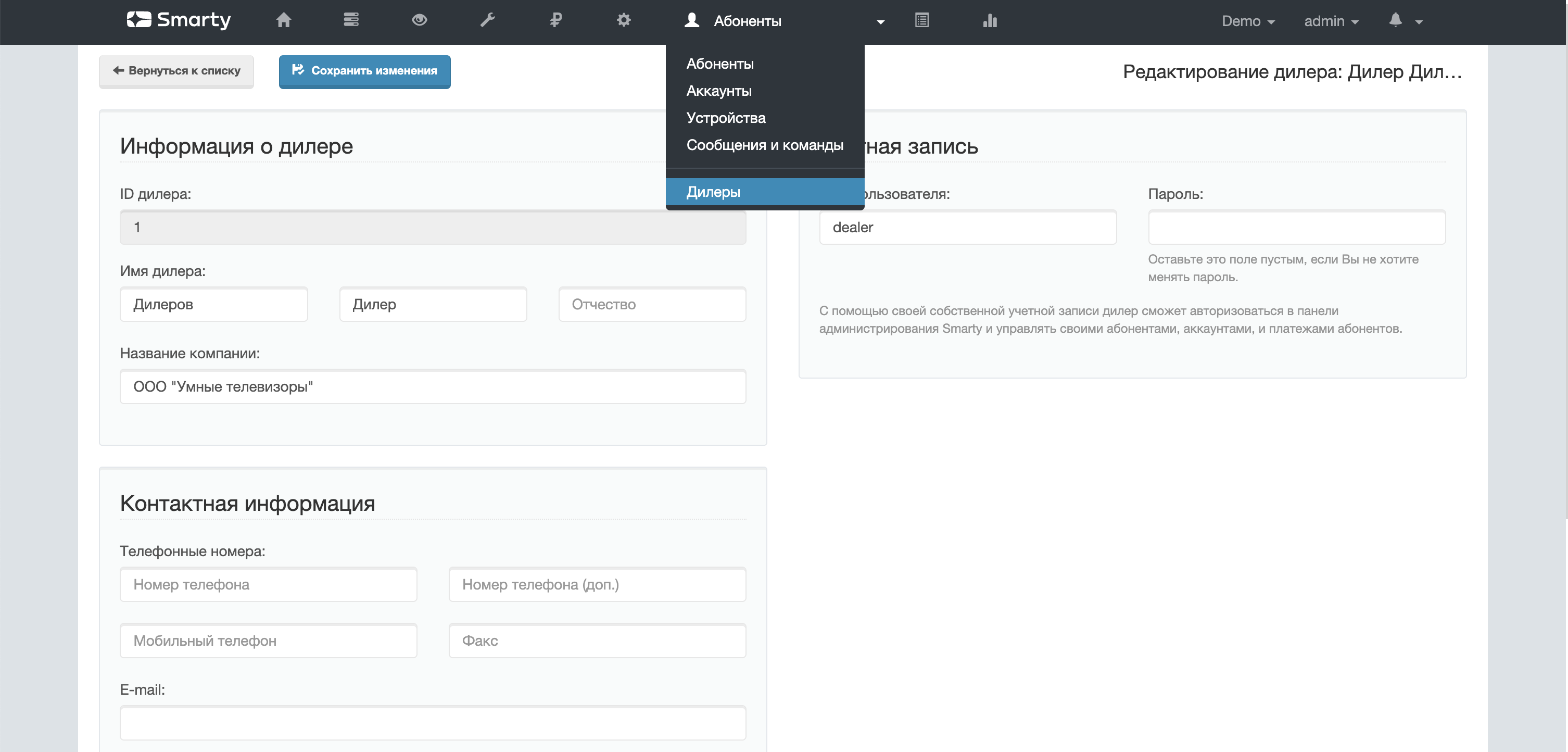
2. Issued the created dealer account from the admin.panel to the representative «Smart TVs» as well as instructions for creating accounts in the service.
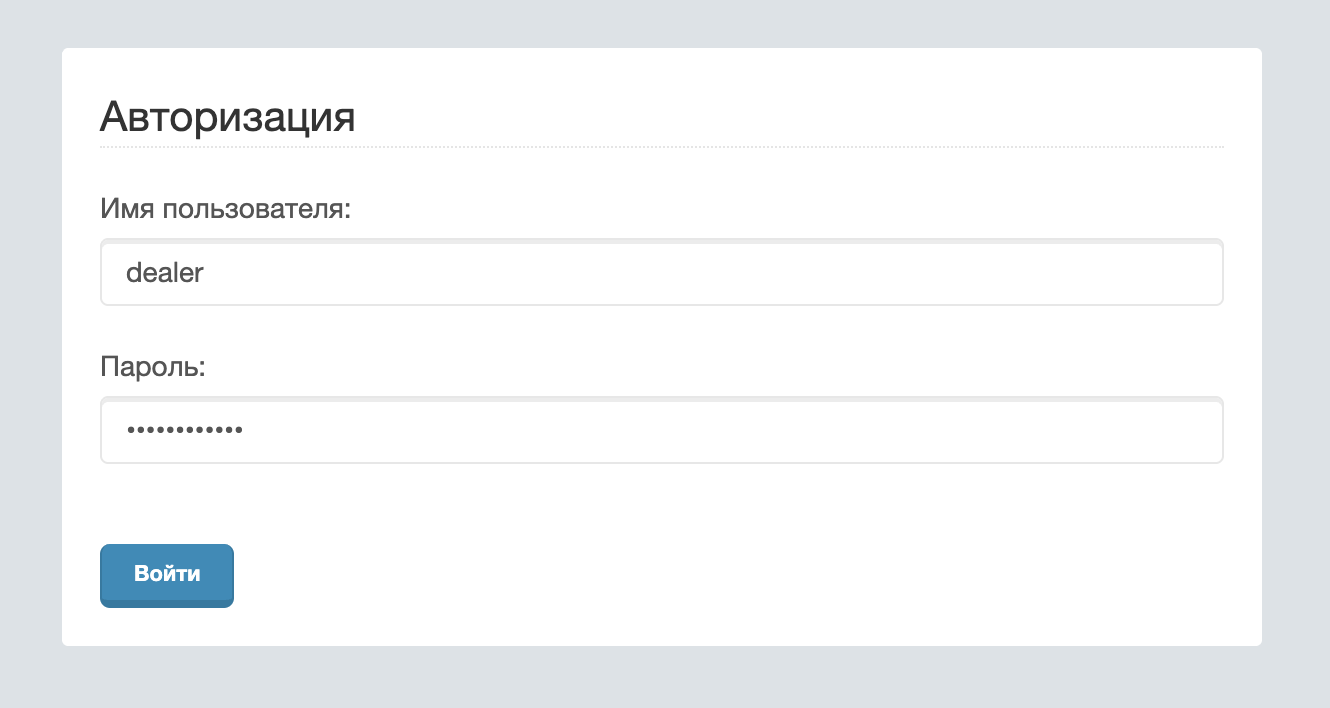
3. Dealer authorized in the adminka is available only section with information about subscribers, accounts and financial transactions. Within these sections, he can open accounts for subscribers who will automatically be associated with him and will be available to him for viewing and administration.
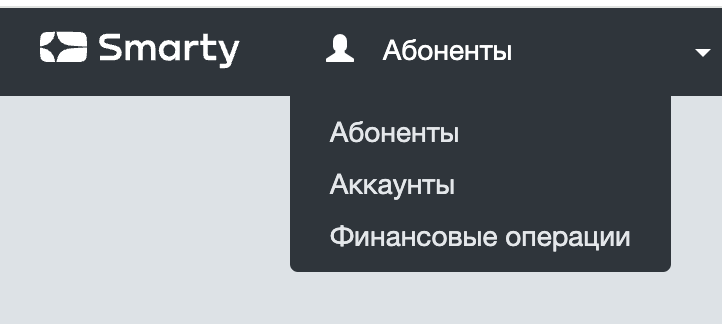
4. Further, partners each month can generate a report on the made financial transactions of subscribers attracted by the dealer, and make mutual settlements.
Multi-provider
Operators often face the task of various manipulations with brands and services: combining several subscriber services into one, absorbing one service by another, separating a separate brand from an existing service and many other business scenarios.
All of them boil down to the fact that there is a need within one Smarty server to combine 2 services with certain conditions. Below are examples of such scenarios and the most preferred options for their implementation by means of the platform:
- 2 services have a single list of channels, a single billing system, single settings, but different brands: in this case, the creation of a suboperator is not required, it will be enough to collect 2 packages of applications under different brands and names
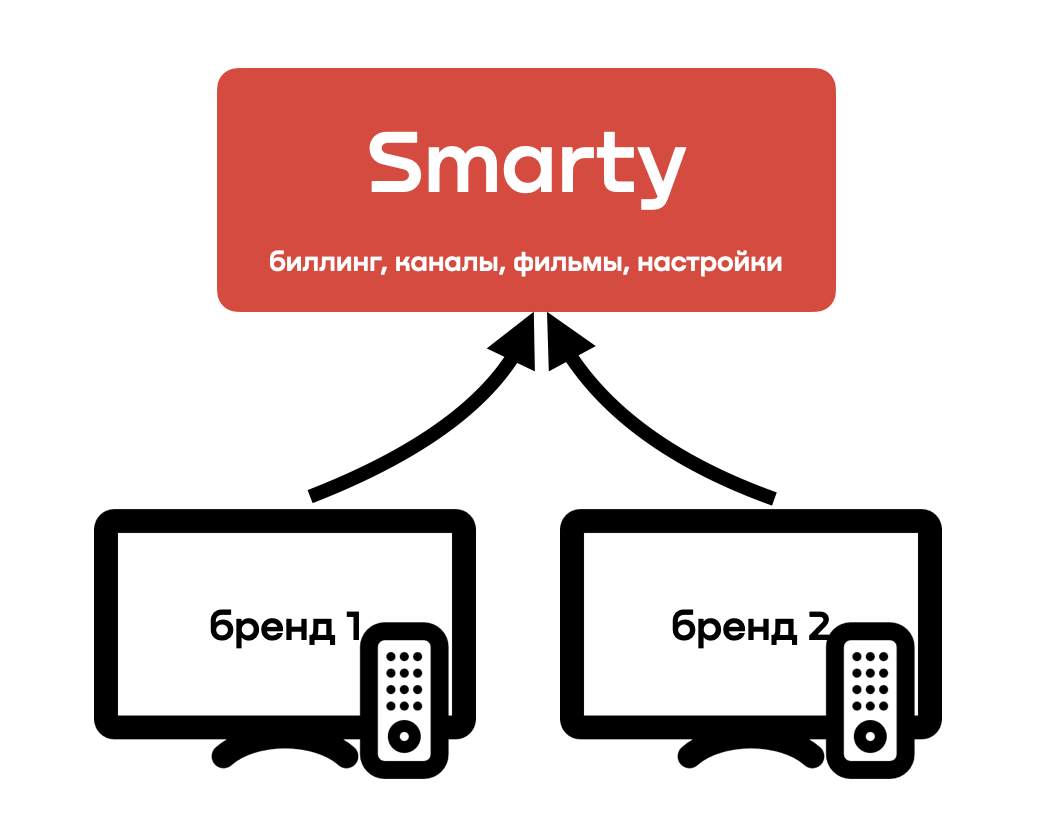
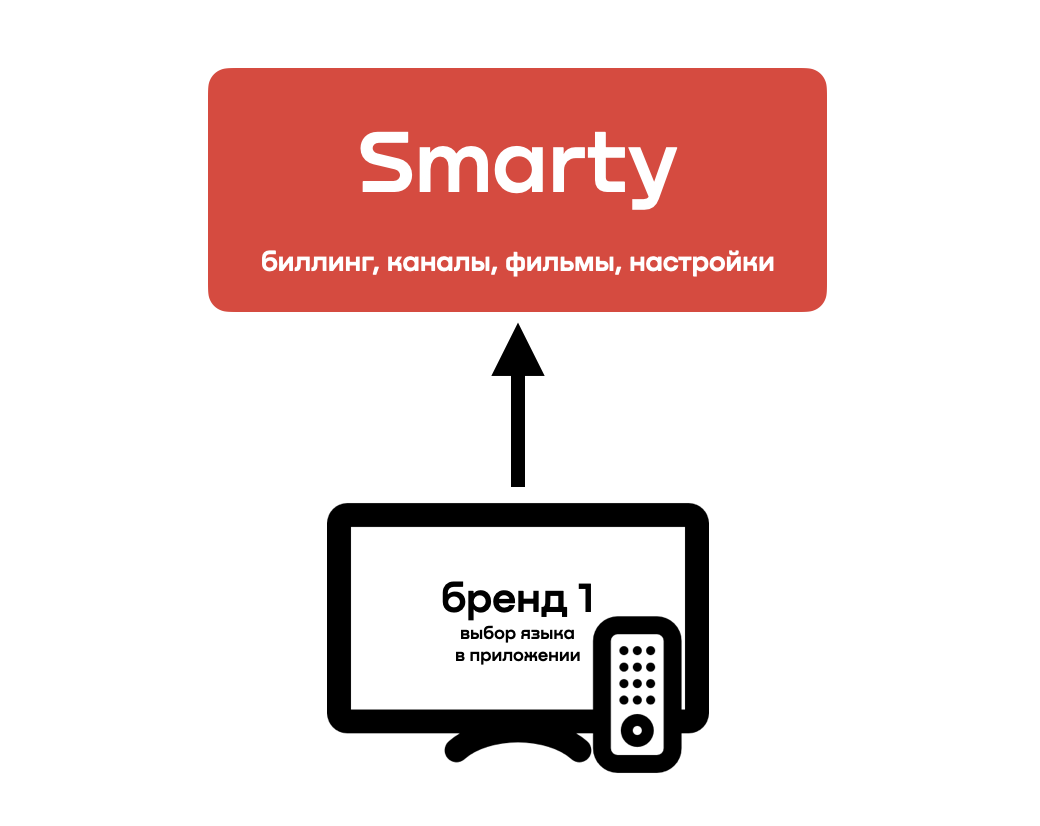
- 2 services have a single list of channels, a single billing system, single settings, a single brand, but different languages: in this case, the creation of a sub-operator is not required, the 1st assembled package of multilingual applications will be enough (some devices support automatic selection of the application language based on the system language)
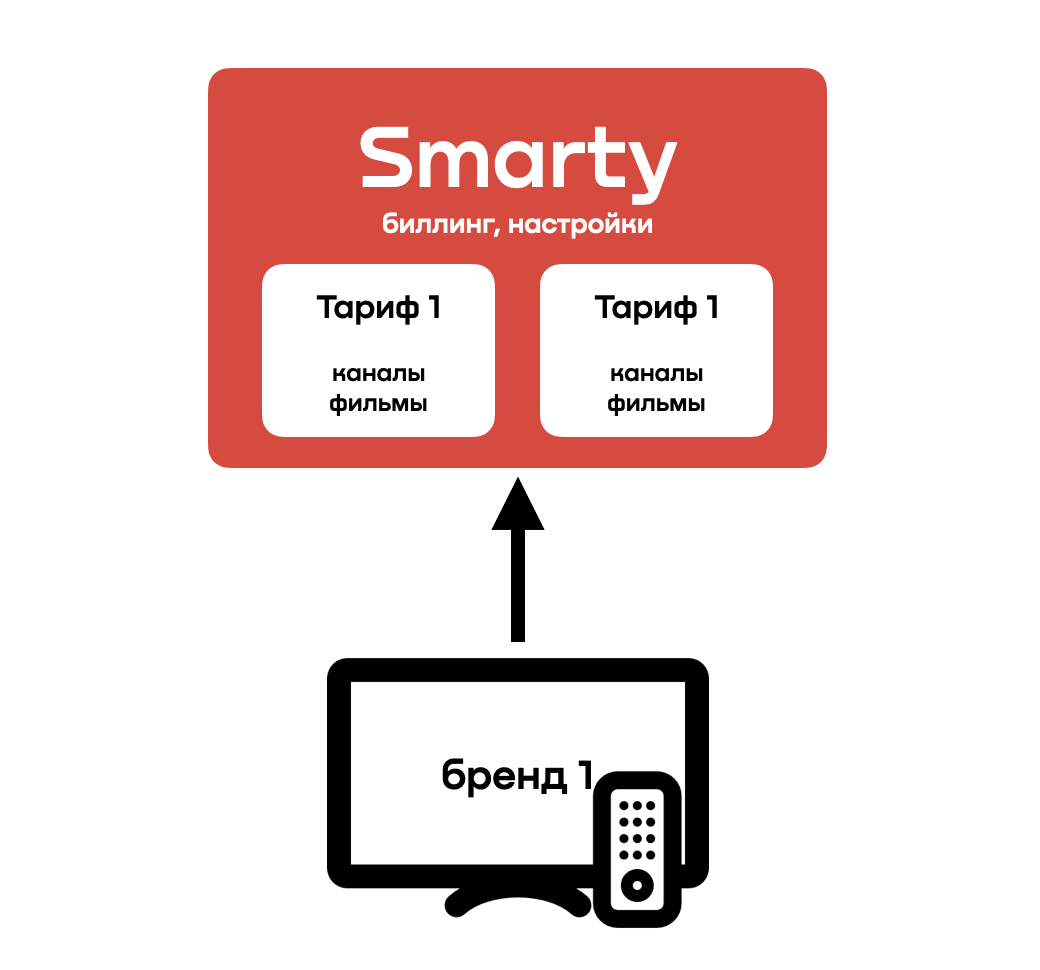
- 2 services have single settings, a single billing, a single brand, but different lists of channels and movies: you can create different tariff plans within one operator and one application brand (tariffs can show different content depending on the geo-location of the subscriber)
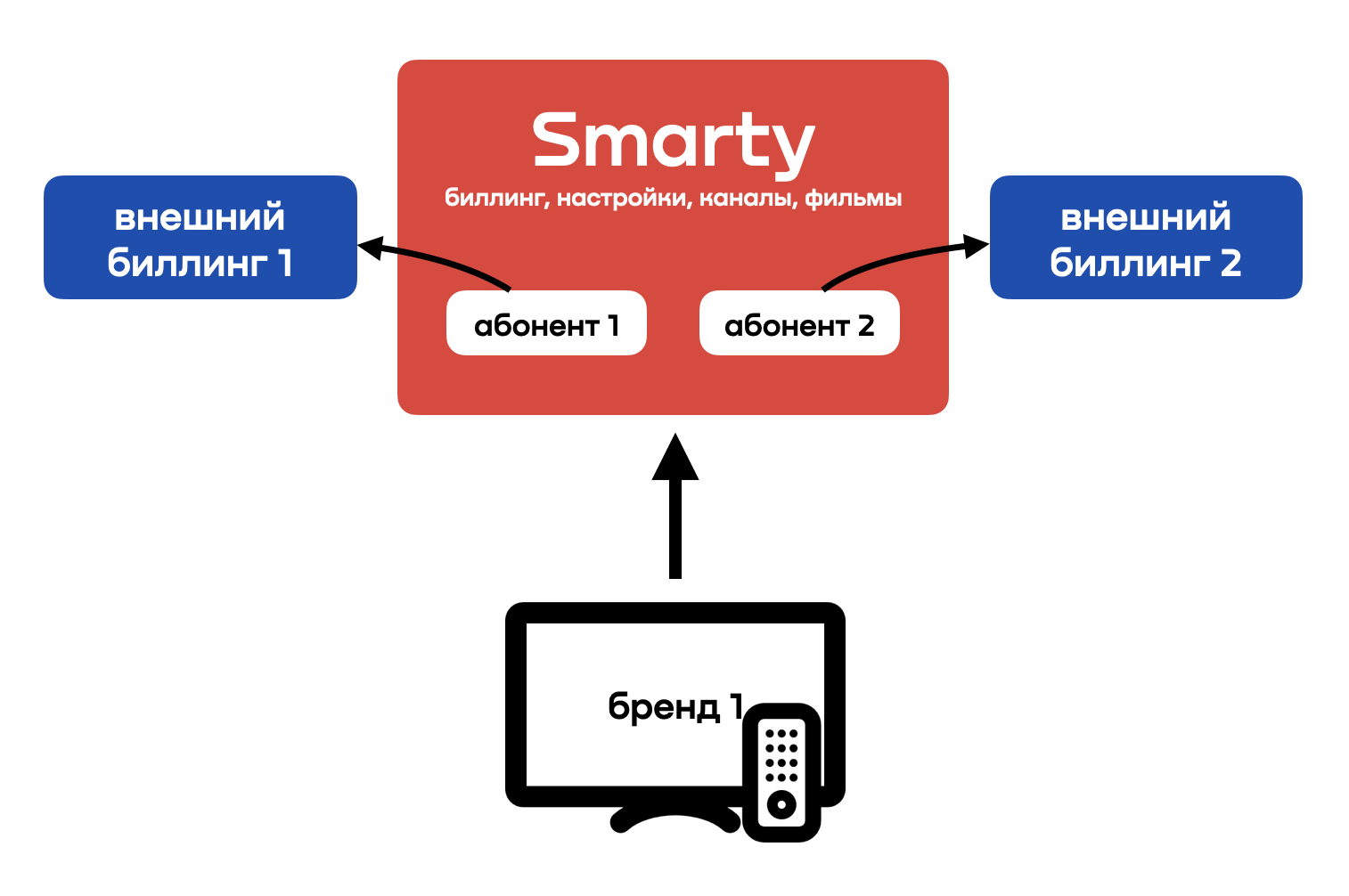
- 2 services have a single list of channels, single settings, a single brand, but different billings / currencies: you can tie subscribers of each service to your billing within one operator and one application brand, and then implement flexible integration with both billings simultaneously within the same system
- 2 services have a single brand, but different billings/currencies, channel lists and settings — you need to purchase a suboperator license and implement a scheme with a multi-provider application type Plus TV
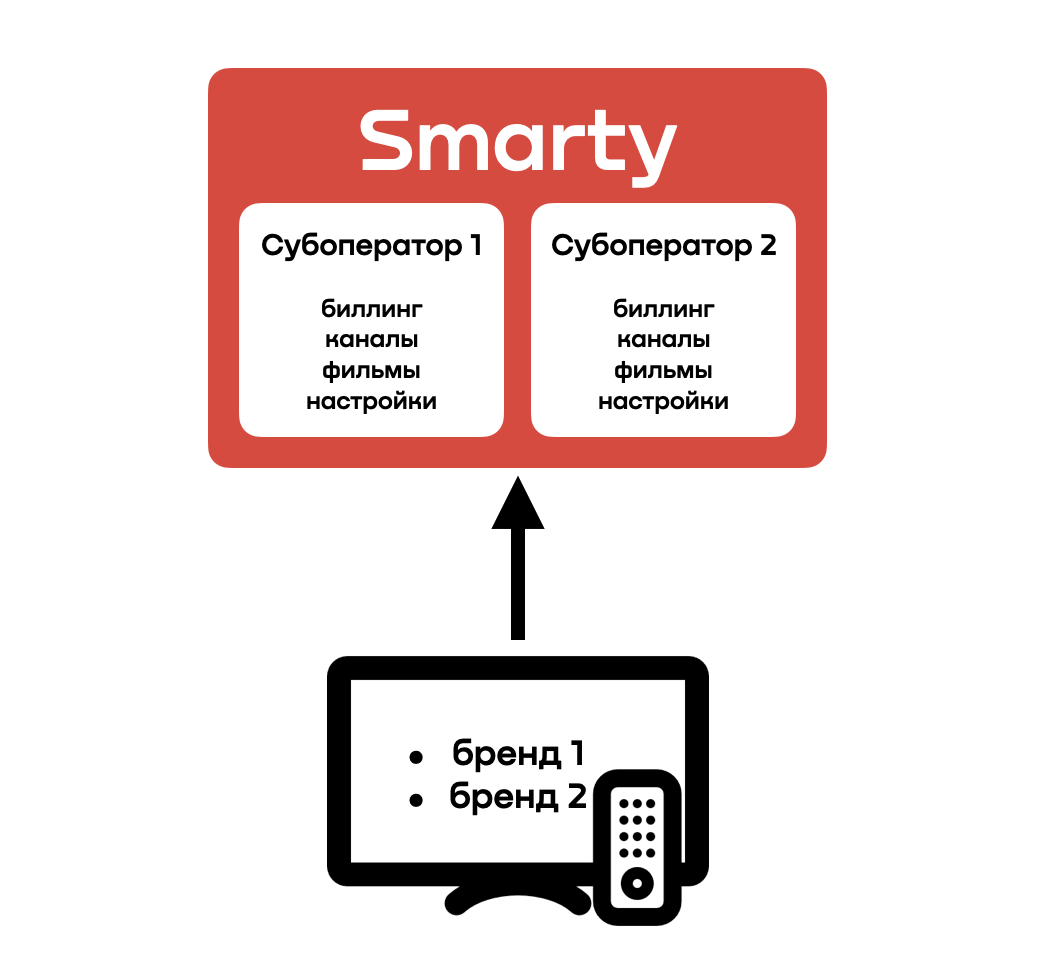
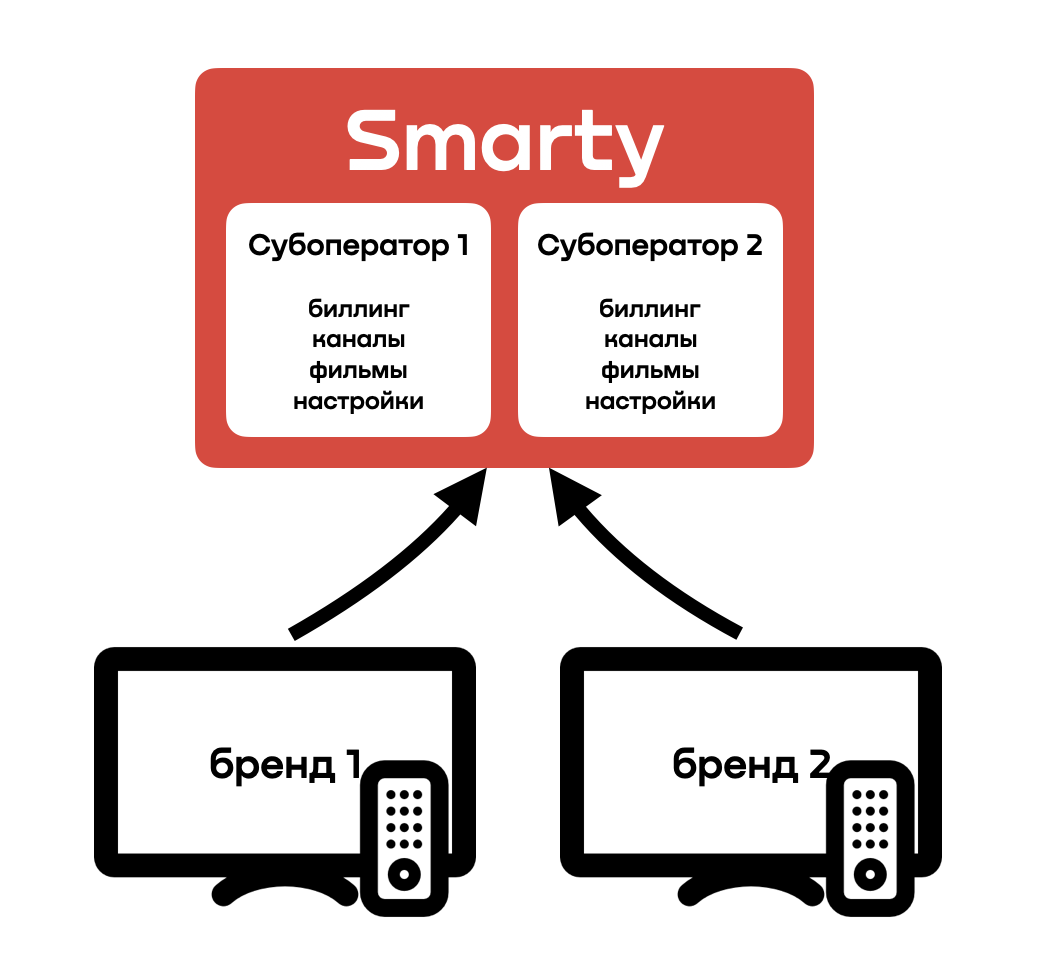
- 2 services have different brands, billings/currencies, channel lists and settings — you need to purchase a suboperator license and build different applications for each brand
The last 2 scenarios include the creation of sub-operators, below are the nuances of Smarty in multi-provider mode:
- licensing Smarty sets separate account limits for each sub-operator created in Smarty, thus, the cost of connecting the next sub-operator also depends on the estimated size of its subscriber base;
- for each sub-operator, you can configure separate accounts for the administration panel, within which only one sub-operator will be managed;
- account with superuser rights can be managed by all sub-operators simultaneously;
- despite the relative isolation of suboperators in terms of content, billing and settings, the common Smarty still imposes some limitations in the form of a common configuration file, common essences of programs and their categories, as well as a number of objects existing in the Django-admin;
- in the event that one suboperator must inherit the content and settings of another suboperator, there is a special cloning command for the Client entity (the technical name of the suboperator entity):
smarty_manage clone_client --src_client_id= --settings=settings.
Parameters:
--rc_client_id — Client object ID to be cloned into new Client.
-setting filename — the name of the Smarty settings file in which the database connection settings must be set.
-clone-channels — an option that allows you to copy the channel list from the original Client to the new one.
-clone-video — an option that allows you to copy a list of movies and series from the original Client to the new one.
-clone-radio — an option whereby a list of radio stations is copied from the original Client to the new one.
-clone-cameras — an option that allows you to copy the list of cameras from the original Client to the new one.
-clone-apps — an option that allows you to copy the list of applications from the original Client to the new one.
